Installing Xampp in Ubuntu 18.04
1. Click here to download the Xampp Software for Ubuntu.
2. Open new terminal and type cd Downloads in it and press Enter.
3. Type sudo chmod +x xampp-linux-x64-7.3.0-0-installer.run and press Enter.
4. Type sudo ./xampp-linux-x64-7.3.0-0-installer.run and press Enter.
Now, you've successfully installed the Xampp in Ubuntu. To open Xampp, type the following command in the terminal.
sudo /opt/lampp/manager-linux-x64.run and press Enter. Then, the following welcome page will be appeared.
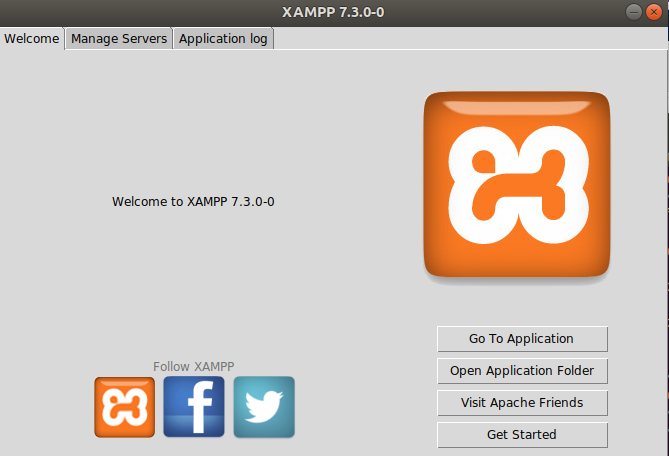
Go to Manage Servers and start MySQL Database and Apache Web Server.
To check Apache Web Server,
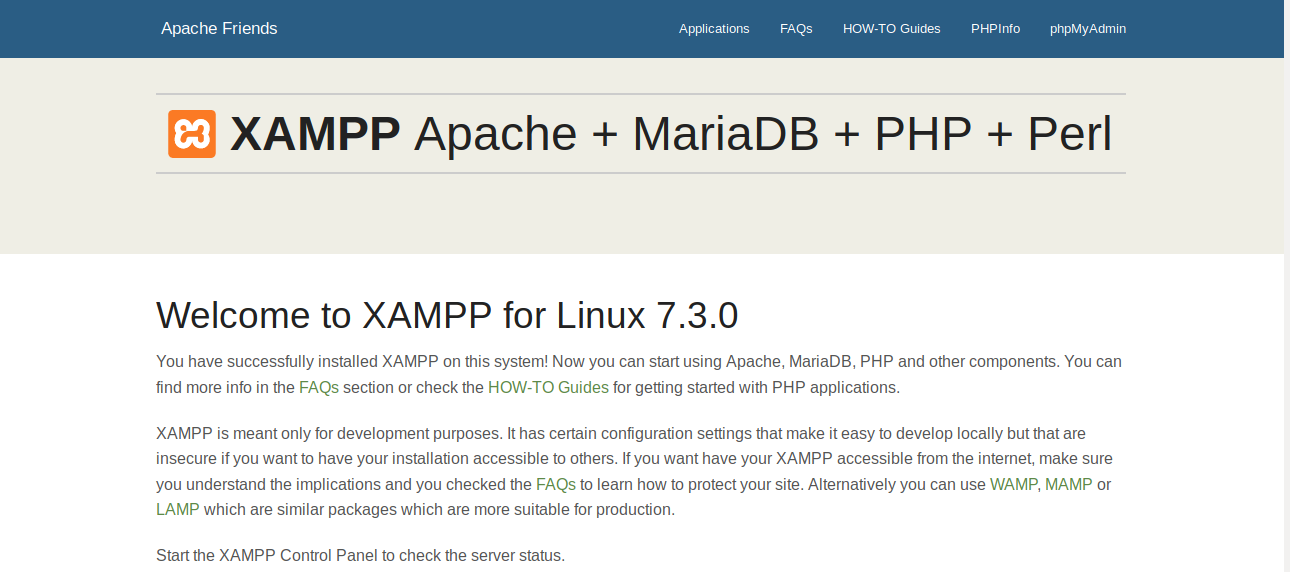
Open Web Browser and type localhost in it and press Enter. Then, you will see the following welcome page.
To check MySQL Service,
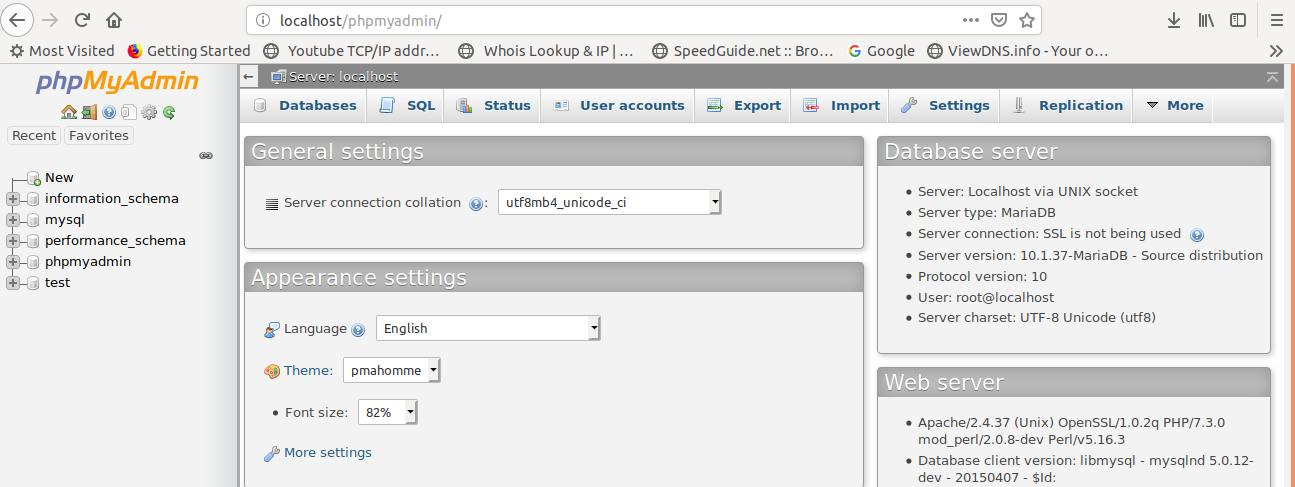
Type localhost/phpmyadmin/ in the browser and press Enter. Then, you will see the following welcome page.